This site uses cookies to improve your experience. For more details, see our Privacy Policy.
Design Once, Localize Everywhere
Create stunning App Store screenshots, translate them into 38+ languages with AI, and export everything ready to upload — all from one powerful visual editor.
Supported Languages
Google Fonts
Text Effects
Device Frames
Everything you need to localize your App Store presence
From visual design to AI translation and batch export — one tool for the entire workflow.
Visual Canvas Editor
Drag-and-drop canvas editor powered by Konva. Add screenshots, customize backgrounds with solid colors or gradients, arrange multiple canvas elements, and design pixel-perfect App Store screenshots.
- Infinite canvas with zoom & pan
- Solid color & gradient backgrounds
- Multi-select elements with Cmd+Click
- Right-click context menu for quick actions
- Alignment guides for precise positioning
Multi-Line Styled Text
Create multiple lines inside a single text box and give each line its own font, size, color, and effect. Hit translate and every styled line is localized to 38+ languages — per-line styling stays intact.
- Multiple styled lines in one text box
- Per-line font, size, color, weight & effect overrides
- Flexible height & content distribution per line
- One-click translation preserves all line styles
- Per-language style overrides for perfect localization
Device Frames & 3D Perspective
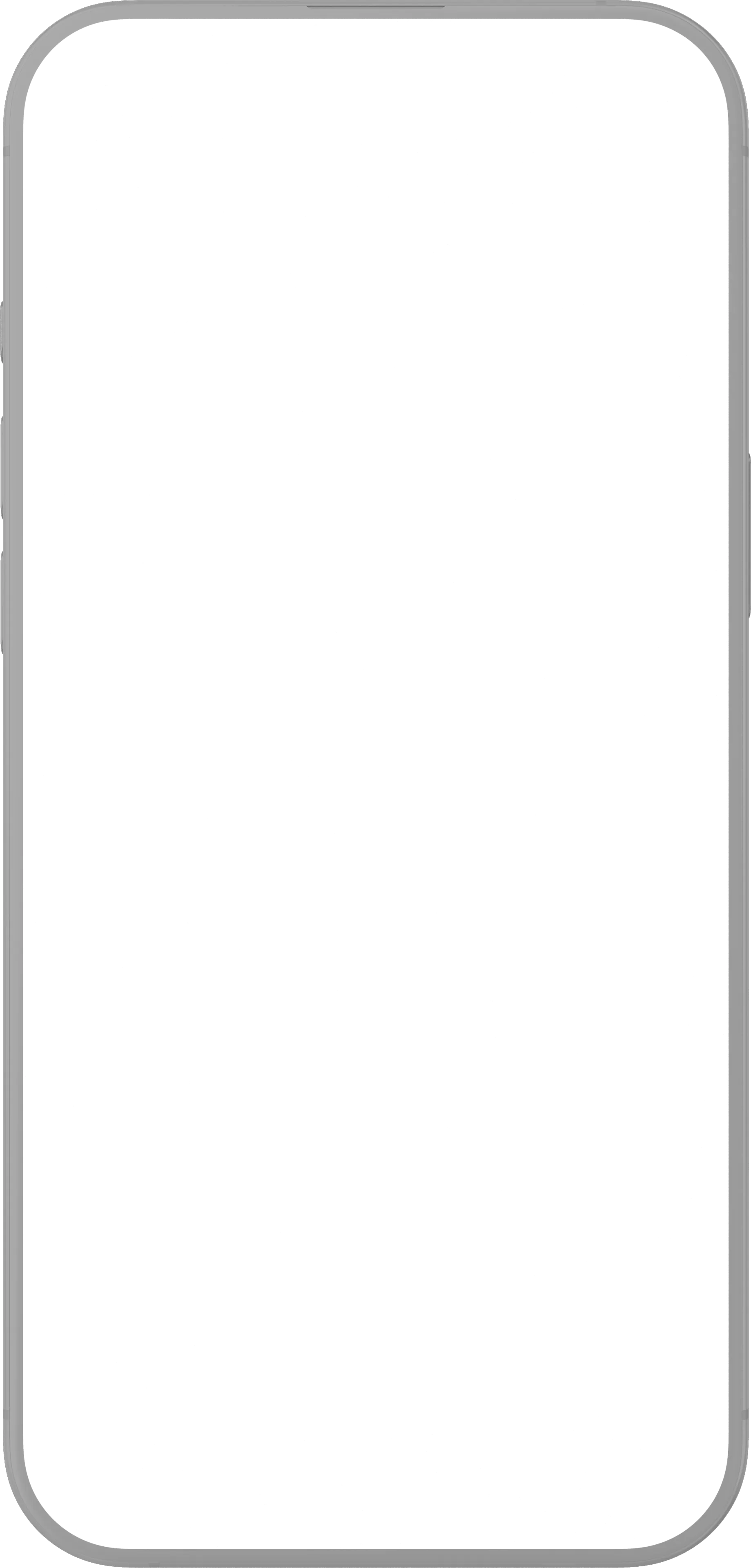
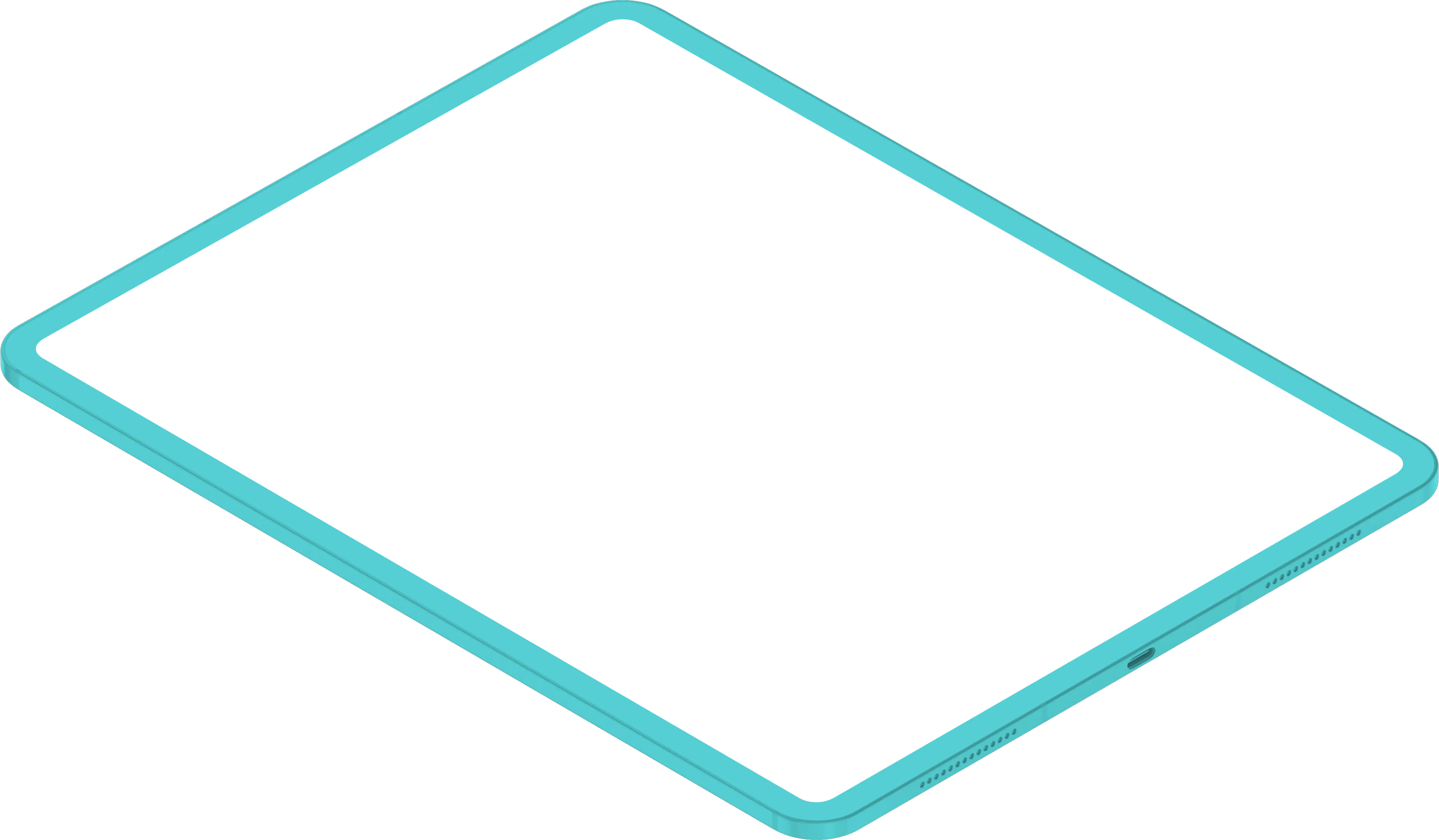
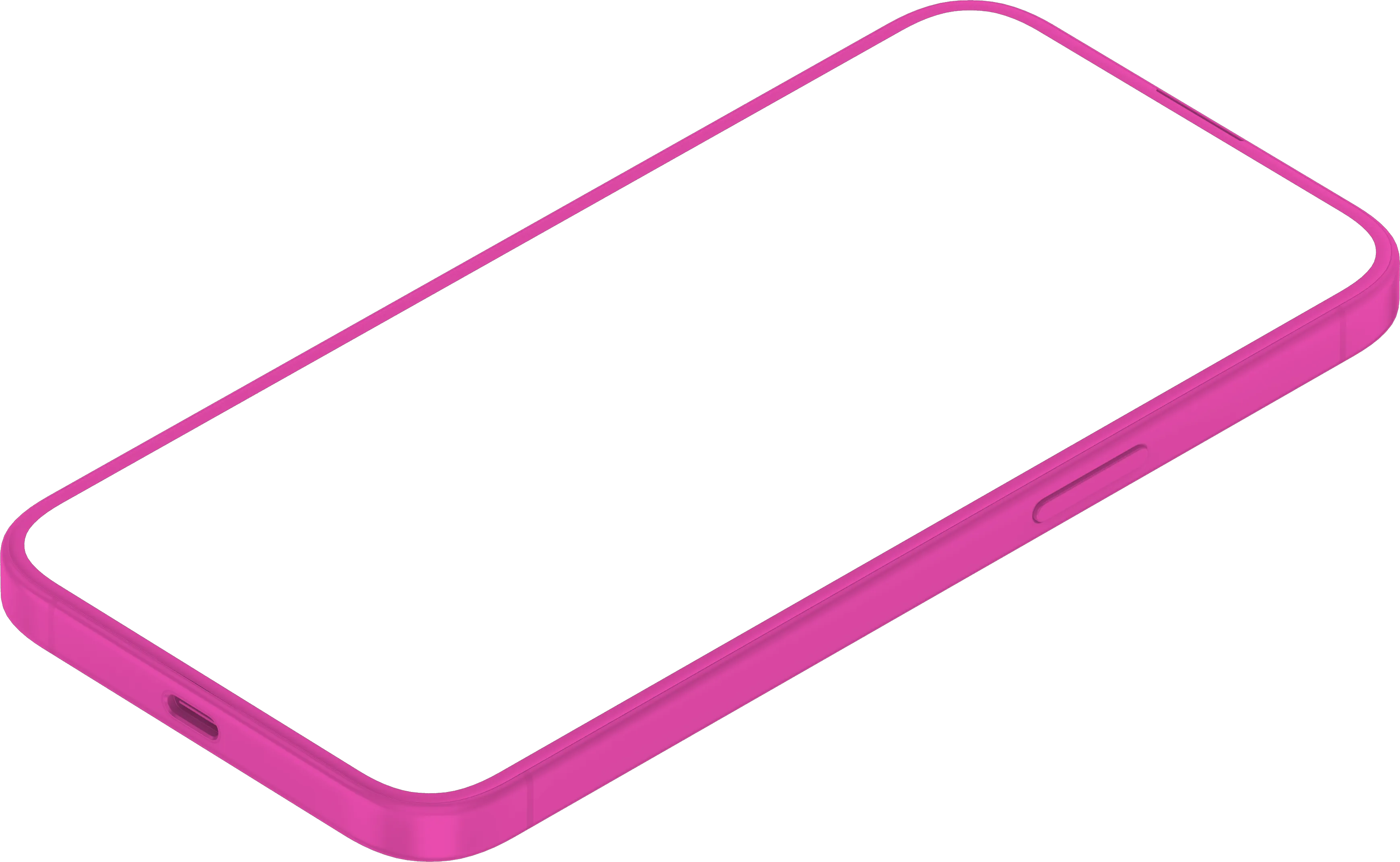
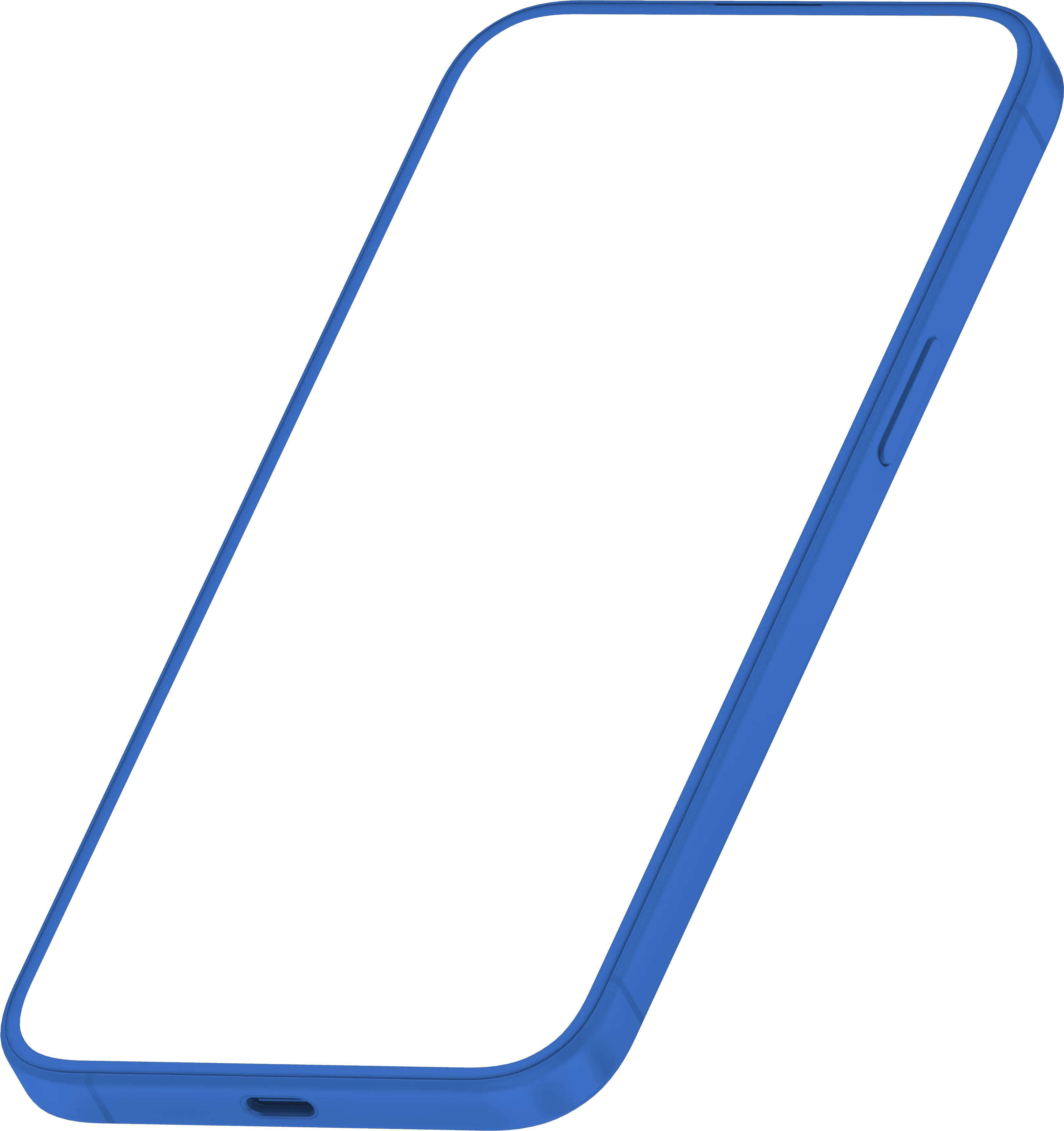
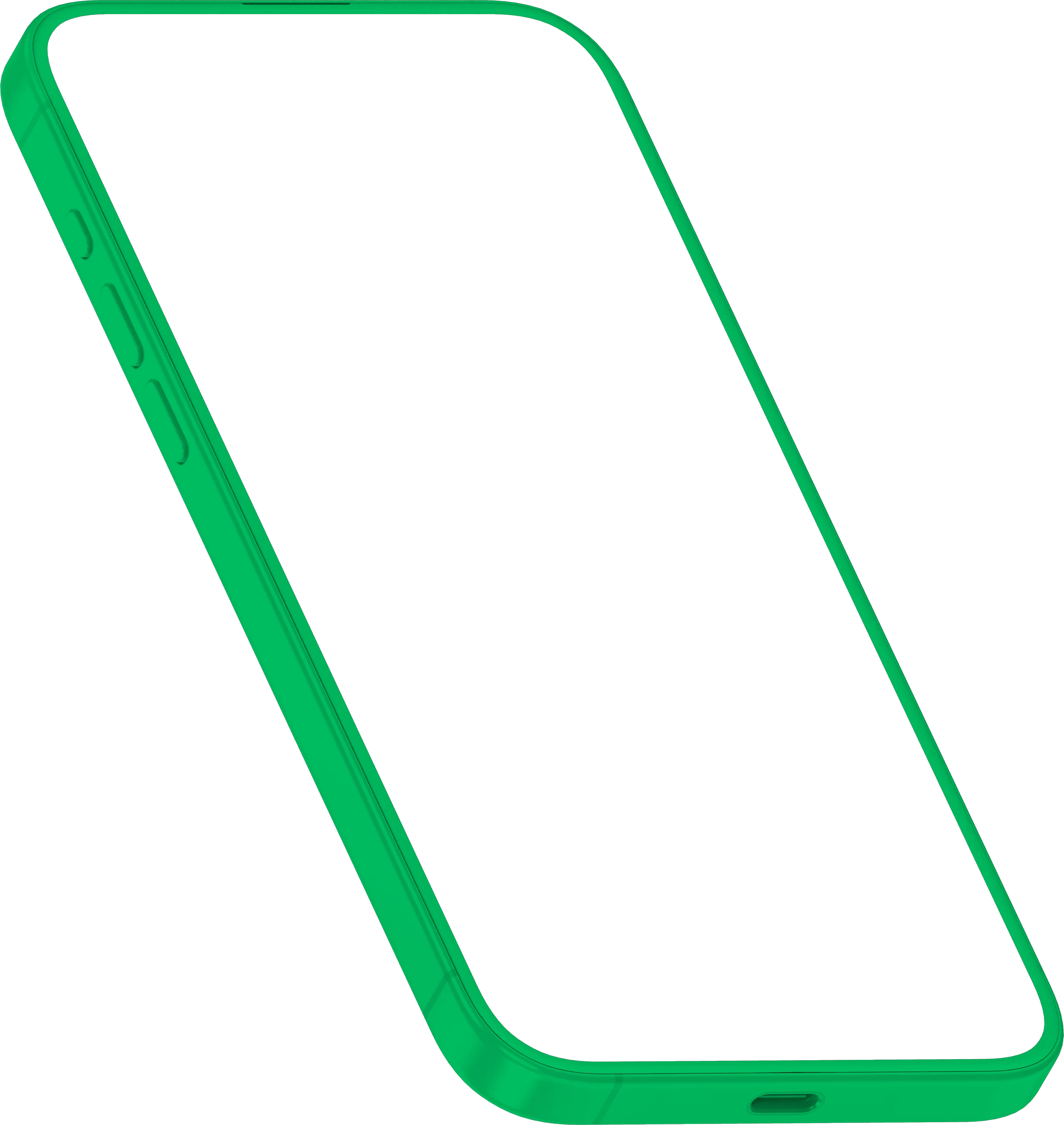
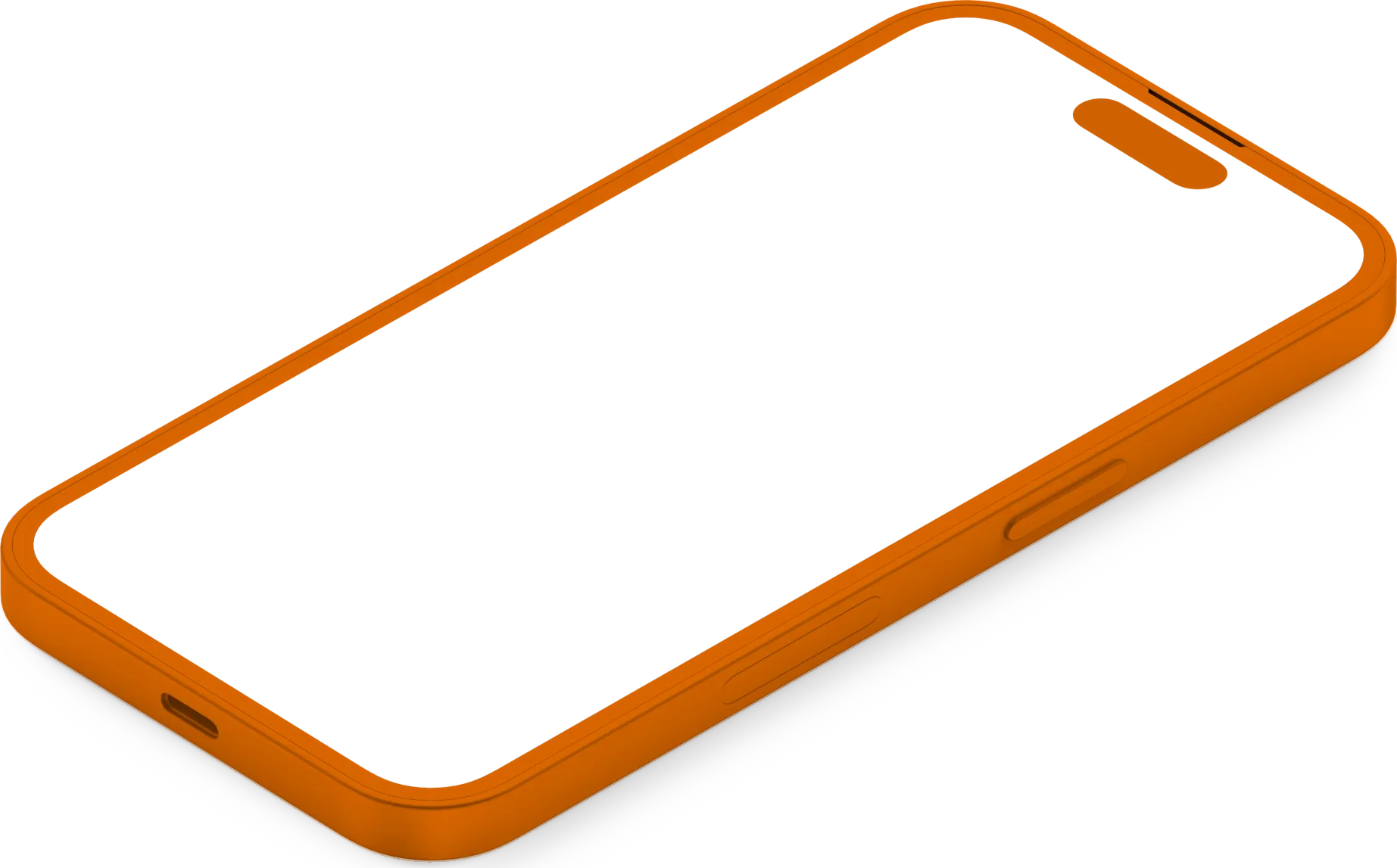
Wrap your screenshots in 25+ realistic device frames — iPhone, iPad, Pixel, Galaxy, and more. Choose from front-facing, angled, isometric, and perspective views with customizable colors.
- 25+ device models: iPhone 16–8, iPad Pro, Pixel, Galaxy…
- 15+ frame angles: front, left, right, isometric, perspective
- Real & clay frame variants with 9 color options
- Automatic screen area detection & clipping
- Per-element perspective transforms in export
AI-Powered Translation
Translate all your text boxes to 38+ App Store languages with a single click. Powered by OpenAI, translations are context-aware and optimized for app marketing copy.
- 38+ supported languages (all App Store locales)
- One-click batch translation
- Smart caching — only re-translates changed text
- Per-language text visibility control
- Base language configurable per project
Rich Typography & Text Effects
Choose from 20+ Google Fonts optimized for international scripts. Apply stunning text effects like neon glow, glitch, shadow, outline, and more. Customize per language for perfect localized typography.
- 20+ fonts including CJK, Arabic, Thai support
- 10 text effects: shadow, neon, glitch, echo, splice…
- Per-language style overrides (font, size, position)
- Letter spacing, line height, text shapes (curve)
- Bold, italic, underline, strikethrough, letter case
Canvas Elements & Shapes
Go beyond simple screenshots. Add overlay images, frames in 12+ shapes, and compose rich visual layouts. Lock, reorder, duplicate — full creative control.
- Overlay images with opacity & rotation
- 12 frame shapes: circle, star, heart, hexagon, badge…
- Z-order management (bring to front, send to back)
- Lock/unlock individual elements
- Corner radius, stroke styles, flip controls
One-Click Export
Export all your canvases for every selected language as a ready-to-upload ZIP file. Each image is rendered at the exact App Store dimensions — no manual resizing needed.
- Batch export: all canvases × all languages
- App Store & Play Store-ready dimensions
- PNG format with full quality
- Progress tracking during export
- Organized folder structure in ZIP
The complete screenshot localization toolkit
Everything you need to create, localize, and ship beautiful app store pages.
Pre-made Templates
Start from professionally designed templates and customize to match your brand.
Drag & Drop Editor
Intuitive canvas editor with snap guides, alignment tools, and infinite zoom.
AI Translation
Translate all text to 38+ App Store languages with one click using AI.
25+ Device Frames
iPhone, iPad, Pixel, Galaxy — real and clay frames with 15+ angles.
20+ Google Fonts
International font support including CJK, Arabic, Thai, and Hindi scripts.
10 Text Effects
Shadow, neon, glitch, outline, splice, echo, and more visual effects.
12+ Shapes
Circle, star, heart, hexagon, badge, and more overlay frame shapes.
One-Click Export
Batch export all canvases for all languages as App Store-ready ZIP files.
Three simple steps
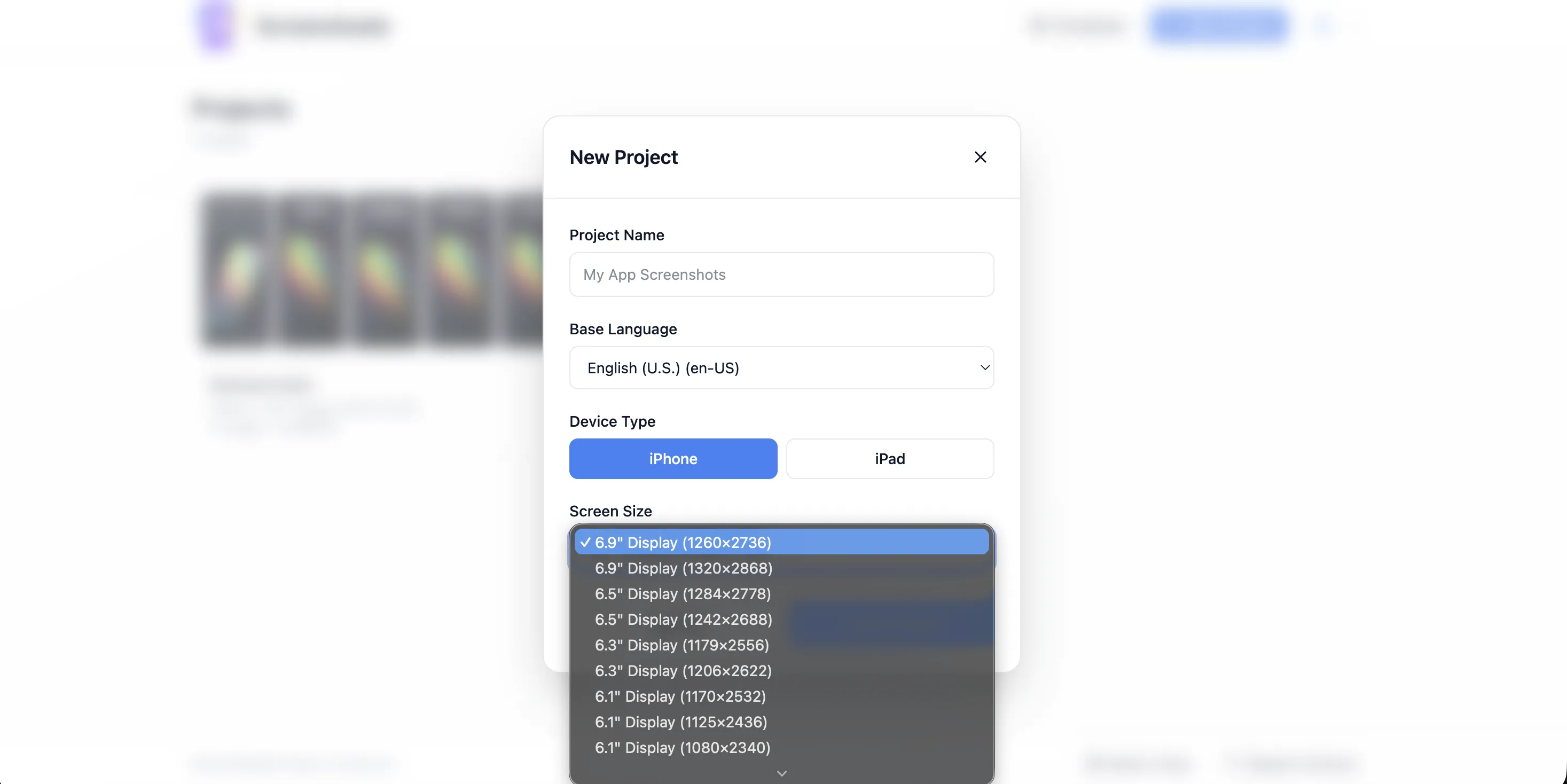
Create a Project
Choose your device type (iPhone or iPad), select the display dimensions, set your base language, and start with a blank canvas or import your screenshots.
Design & Translate
Add text boxes, device frames, and overlay images. Style your typography with effects. Then translate everything to 38+ languages with one click.
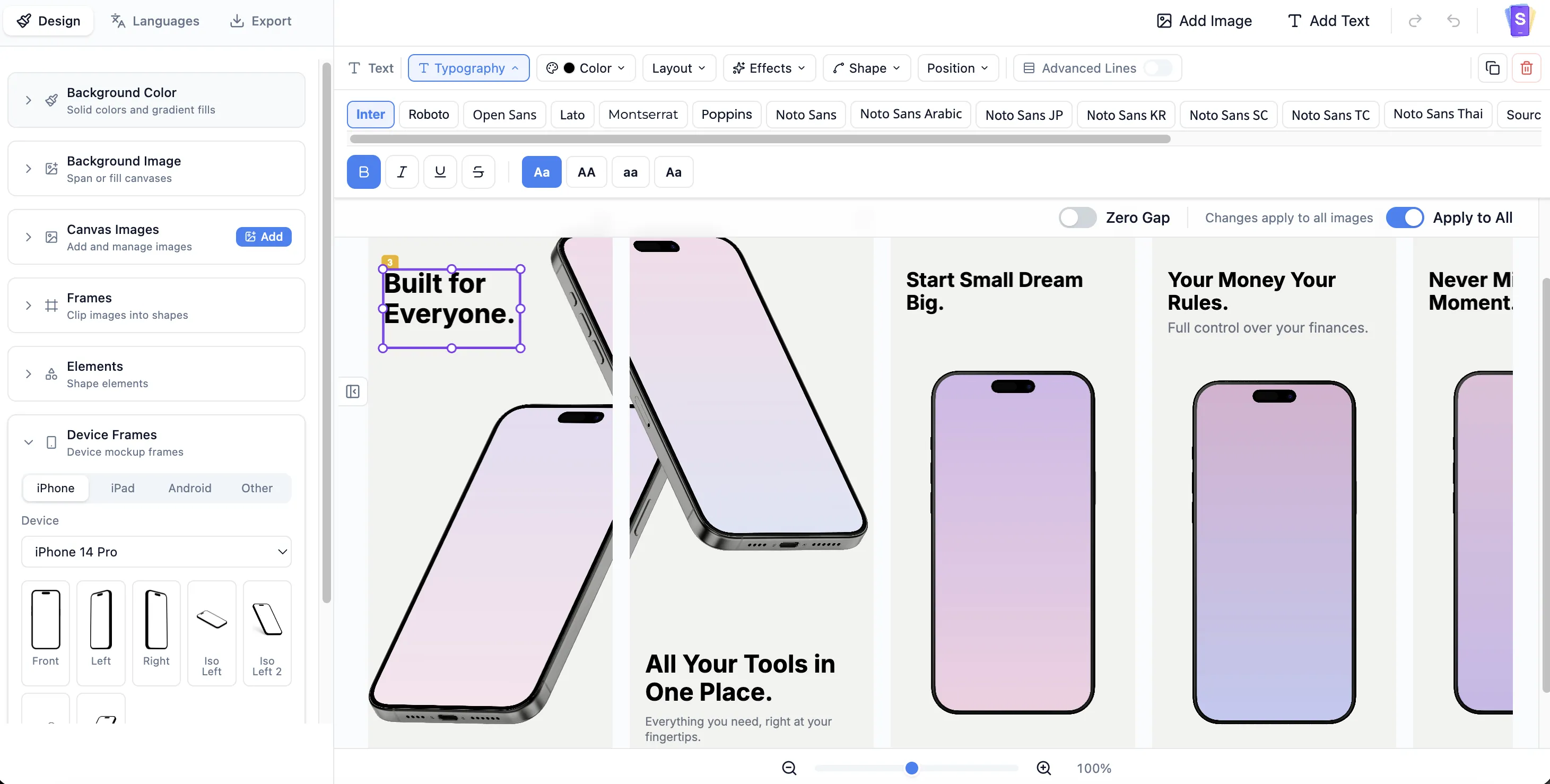
Export & Upload
Hit "Export All" to generate a ZIP with every canvas in every language at the perfect App Store dimensions. Upload directly to App Store Connect.
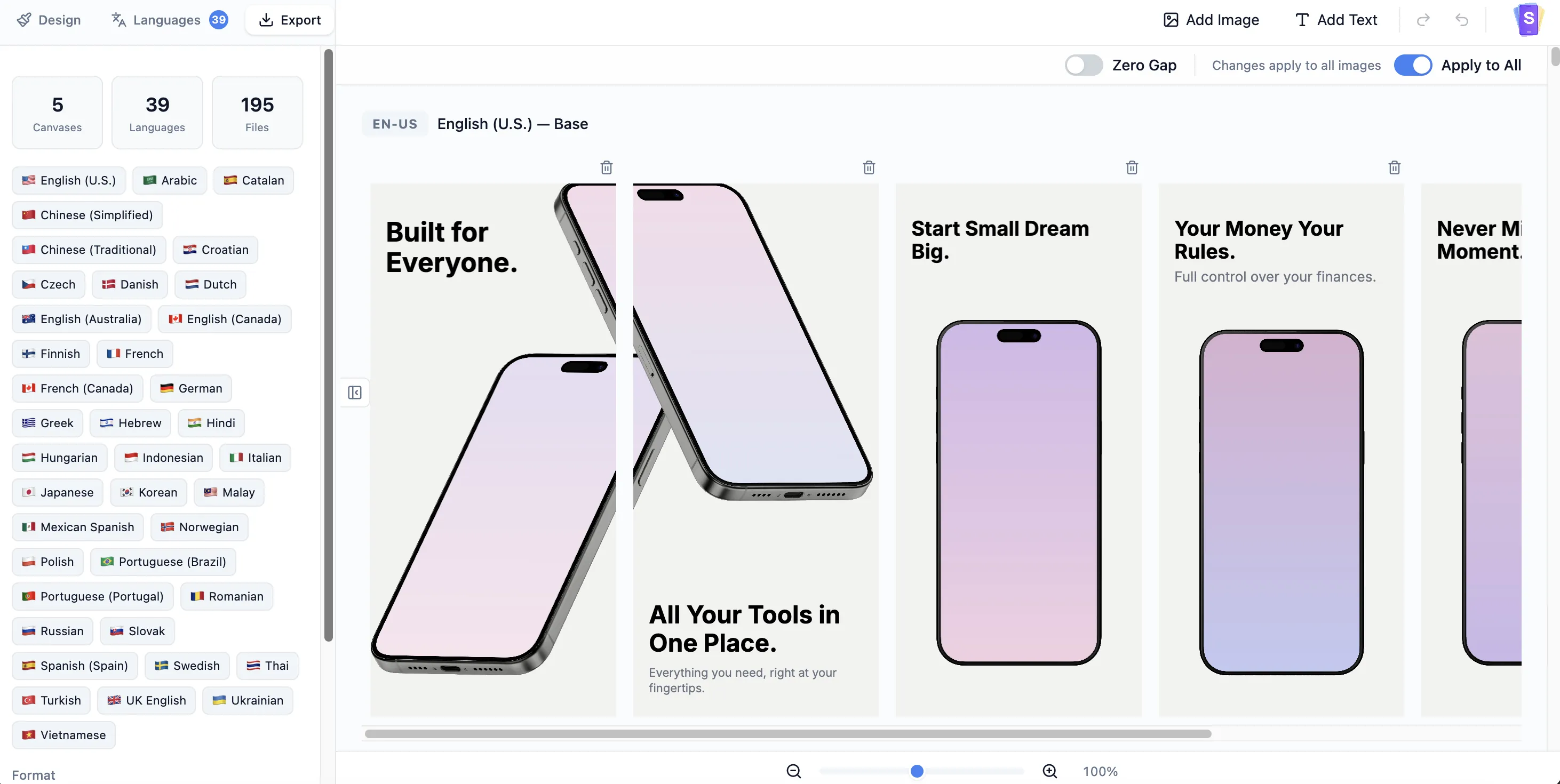
38+ App Store Languages
Every language supported by the App Store, translated with AI in seconds.
Simple, transparent pricing
Start free, upgrade when you're ready.
Free
Pro
Frequently Asked Questions
Screenshoots is a visual editor for creating and localizing App Store and Google Play screenshots. You design your screenshots once using a drag-and-drop canvas, then translate all text into 38+ languages with AI and export everything as a ready-to-upload ZIP file.
Our translation engine is powered by OpenAI and optimized for app marketing copy. When you click "Translate", every text box on every canvas is translated into your selected languages in seconds. The system caches translations so only changed text is re-translated, keeping it fast and cost-efficient.
Screenshoots supports 25+ device frames including iPhone 16 through iPhone 8, iPad Pro, iPad Air, Google Pixel, and Samsung Galaxy models. You can choose from front-facing, angled, isometric, and perspective views, with real and clay frame variants in 9 color options.
Yes. The editor supports canvas dimensions for both Apple App Store and Google Play Store. You can create separate projects for each platform or manage both from a single design, then export at the exact pixel dimensions each store requires.
Screenshoots supports all 38+ App Store locales, including English, Japanese, Korean, Simplified and Traditional Chinese, Arabic, Hebrew, French, German, Spanish, Portuguese, Russian, Turkish, Hindi, Thai, and many more. Right-to-left languages like Arabic and Hebrew are fully supported.
Not at all. You can start with a professionally designed template and simply customize the text, colors, and screenshots. The drag-and-drop editor, snap guides, and alignment tools make it easy to create professional-looking results without any design experience.
When you click "Export All", Screenshoots renders every canvas for every selected language at the exact dimensions required by the app store. The output is a structured ZIP file organized by language, ready to upload directly to App Store Connect or Google Play Console.
Yes. Screenshoots offers a free tier that lets you create projects, design screenshots, and try AI translations. Paid plans unlock additional features like batch export for all languages and higher translation limits.
Yes. Screenshoots exports your screenshots at the exact pixel dimensions required by Apple App Store and Google Play Store. Each device frame and canvas size is mapped to the official specifications, so your uploads will meet the store guidelines without any manual resizing.
Yes. Screenshoots supports both portrait and landscape orientations. You can choose landscape canvas dimensions when creating your project, and the exported screenshots will match the landscape requirements for both App Store and Google Play.
Yes. Your projects and designs are always saved to your account. If your subscription expires, you can still view and edit your projects. However, Pro-only features like batch export and higher translation limits will be unavailable until you resubscribe.
You can cancel your subscription anytime from the Subscription page by clicking "Manage Subscription". This opens the Stripe Customer Portal where you can cancel, change your plan, or update your payment method. After cancellation, you retain access until the end of your billing period.
Yes. All payments are processed through Stripe, which automatically generates invoices for every transaction. You can access and download your invoices from the Stripe Customer Portal via the "Manage Subscription" button on your Subscription page.
Yes. Choosing an annual plan gives you a significant discount compared to paying monthly. We may also run promotional offers from time to time — follow us for updates.
If you encounter any issues, please reach out to us via the feedback form in the app or contact us at support@screenshoots.design. We aim to respond within 24 hours and will do our best to resolve your issue as quickly as possible.
Join thousands of developers shipping globally
Stop spending hours on manual screenshot localization. Design once, translate with AI, and export for every market.
Latest from Our Blog
Tips, guides, and best practices for app store screenshot design and ASO.


